
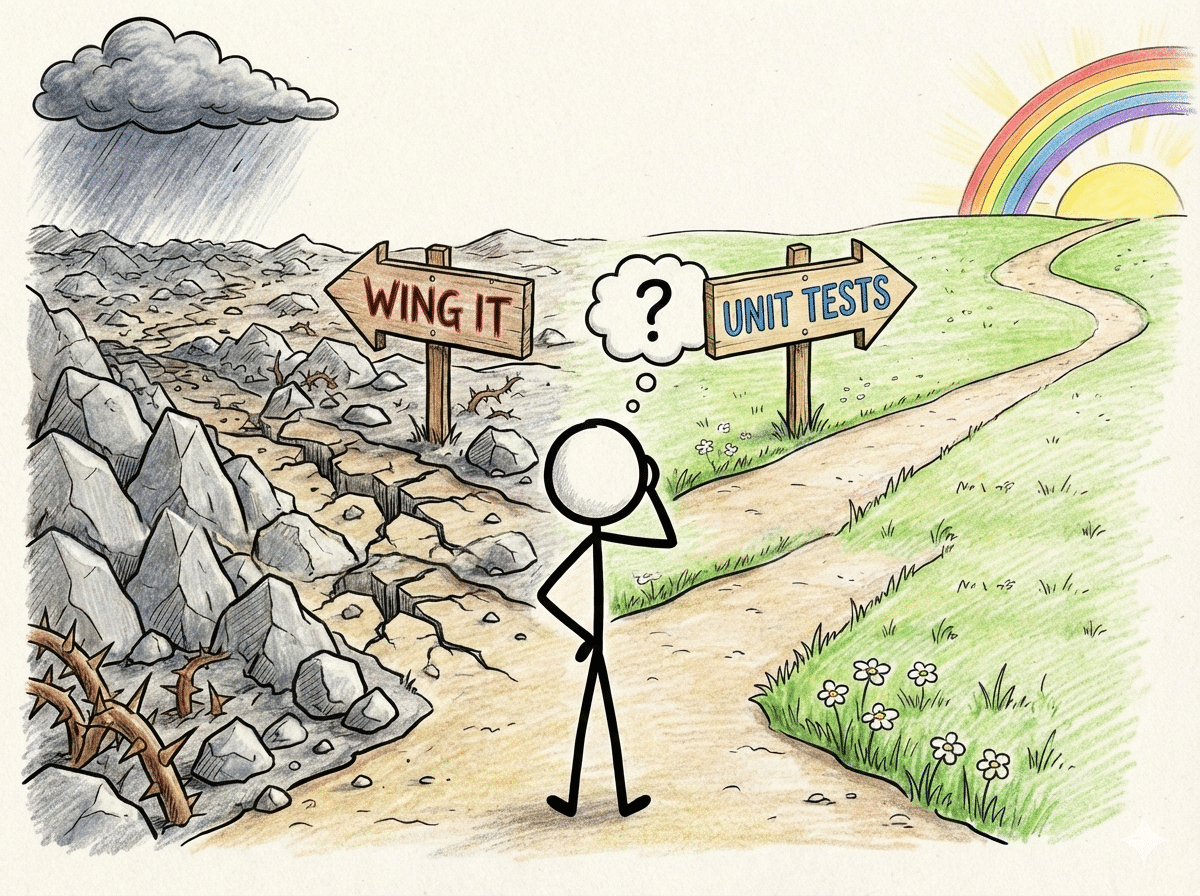
I can already hear the response to this post, unit tests are for work, not for fun. Writing unit tests for personal projects will just slow me down. I don’t care whether I break my personal prod. I just want to build. I am here to tell you that unit tests will make you a better developer AND make your projects more fun. This post will cover the practical benefits of unit testing, when it’s worth it (and when it’s not), and how to get started.
Learning the Hard Way

Recently, I set out to create my own chess engine, called PyMinMaximus, from scratch. After I had the engine running, I started focusing on performance improvements. I made great strides, doubling the number of nodes per second that the engine could search. The only problem, the engine became worse at playing chess. It could no longer even beat a random move picking engine. It feels like the problem is always a flipped sign. In the evaluation function, I inadvertently included a negative sign when the search found a checkmate. Because checkmates were given the highest score, the negative sign resulted in the lowest possible score. Therefore, the engine discarded the proposed move thinking it was a terrible move. Once I figured out the problem, it was funny to go back through the game files. Instead of seeking a checkmate, my engine was actively avoiding it.
What wasn’t funny was the several hours of agony walking through code and chess games to find the problem. This would have been avoided if I had set up unit tests when I created the board evaluation functions. I just needed a unit test that evaluated a checkmate board and returned the correct result. When I made the coding error and ran the unit tests. I would have received a test failure, and I would have known immediately the reason for the failure. A bug that could have been caught in 30 seconds took hours.
I am doing this for fun, but debugging is not the fun part of personal coding projects.
What is a Unit Test?
Quick refresher, a unit test is a method of testing the smallest testable parts of an application. For example, if I have a function that sums two numbers then I might test
sum(5, 2) == 7The Real Benefits (Beyond ‘Best Practices’)
If my debugging trauma didn’t convince you, let me give you a few reasons why unit tests for personal projects are worth it.
1. Confidence to Experiment
How many times do you get a piece of code working, but you aren’t exactly sure why it works? Or the alternative, you have something that worked and you add a new functionality only to break what you already had (flashbacks of my chess engine example).

Unit testing allows you to experiment without fear. If you have a few core unit tests established, you can try innovating with the code. If it doesn’t work, you will have a better understanding of why it didn’t work.
For example, I used a Raspberry Pico microcontroller to create a Wi-Fi Temperature sensor. The sensor collects temperatures from around my house. It took some time (probably too much) to get the code working. Once I finally had it working, I realized that the code was very messy. I decided to refactor the code to simplify. I created test cases to verify that the logging was working correctly. After refactoring, the test cases continued to work, giving me certainty that I had not messed up the code during the refactor.
2. Documentation That Never Lies
Unit tests double as documentation. When you return to a project six months later, the tests show you exactly how everything works. Unlike comments, the unit tests can’t lie because they actually run.
3. Don’t Touch Production Data
Unit tests also allow you to avoid touching “production data”. You might be thinking that personal projects don’t really involve “production data”, but in a way, they do. For example, in the Wi-Fi temperature sensor project that I referenced above, I log the temperatures in a database on a server (a Raspberry Pi that runs services for my house). I want to verify that any changes to my code still correctly log data, but I don’t want to mess up the data in the database.
Test cases allow us to easily handle this. My test code creates a temporary database and re-directs the code that we are testing to the temporary database. The test case then verifies that everything was correctly stored in the temporary database. Of course, I could do this manually, but that becomes tiresome every time I make a change.
4. Faster Debugging Cycles
Unit tests also allow us to run through development and debug cycles faster. I have recently used the Raspberry Pico for a number of projects . The development cycle normally consists of:
- Write some code
- Flash it to the Raspberry Pico
- Test
- Fix
- Reflash
In the context of the temperature sensor, each iteration takes a few minutes. We can speed up that development cycle through unit tests. Before we flash the code to the Pico, we can run the unit tests on the new code. If they pass, then we can move on to flashing the Pico. If they fail, then we can skip to step 4.
Unit tests let you simulate edge cases without setting up the physical conditions. For example, what happens when the sensor times out or returns malformed data?
5. Code Design

Unit testing can help you with overall code design. Some people write the unit tests before they write any of the actual code. This forces you to think about the final result and how you will test the result. Once you have the unit tests built, then you start building the functions, already knowing the final return types that you need. You can then run the unit tests after you write each function to verify that they are returning their expected results.
Unit testing can also lead to more reusable code. Instead of one gigantic, do-everything function, you start creating smaller functions that are easier for unit testing. Smaller units of code are often more useable. For example, when building a temperature collecting device, I could have one function that collects the temperature and sends it over the API to my server, or I could break it into the individual functions that are unit testable.
Therefore, if unit tests fail, I can see exactly where they fail and it is easier to debug. The last three of these steps are also reusable for any project that involves sending data from a Raspberry Pico device to a server running a REST API.
When Unit Tests Are (And Aren’t) Worth It
Now that I have made the case for writing unit tests, don’t do it! There are circumstances for writing unit tests and there are circumstances not to write. Let me give you a few examples.
Write Tests For:
- Projects you’ll come back to
- Anything with complex logic
- Code you might reuse or share
- Projects with physical components (especially if fixing mistakes is difficult or impossible)
Skip Tests For:
- True one-off scripts (data cleanup, file renaming)
- Proof-of-concept explorations (< 1 hour just to see if something is viable)
- When you’re still figuring out what you’re building
The 80/20 Rule:
Even when you decide to write unit tests, you don’t need unit tests for everything. Let the 80/20 rule be your guide. The 80/20 rule essentially means you get 80% benefit from 20% effort. In the context of unit tests, this means that you just test the most complicated or important parts of your code: complex calculations, edge cases, error handling. You can skip getters and setters or simple wrappers.
Getting Started: Making It Easy on Yourself
The Tools
Getting started is easy. In Python, there are two main options:
Both are easy to use and work well. UnitTest is built in so you can start using it immediately. PyTest requires less code but needs to be installed through “`pip install pytest“` first. Choose one and spend 10 minutes with the docs or other tutorials, and you should be good to go.
Conclusion
Recently, I created a personal API that allows me to keep track of the restaurants that we like and to request a random restaurant when we want to eat out but do not want to decide. I copied over some of the database tests from the temperature sensor project. From the moment that I wrote the first line of code, I knew that everything was working correctly, because of the unit tests. With each feature I implemented, debugging took no time at all.
I cannot help you avoid ever having to debug your code again, but hopefully, I have convinced you that there is a potentially easier way. A few unit tests will hopefully save you the agony of a multi-hour search for the flipped sign. Instead, you can spend the time building awesome things, which is why you started your project in the first place.
If you enjoyed this post, consider subscribing to the newsletter where I share work-in-progress updates, upcoming tutorials, and the occasional behind-the-scenes look at what I’m building.