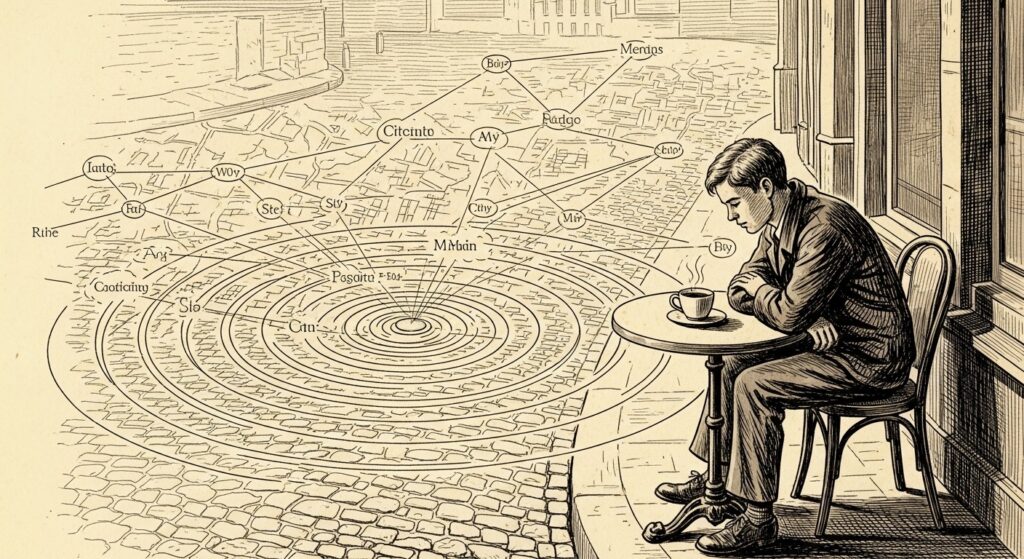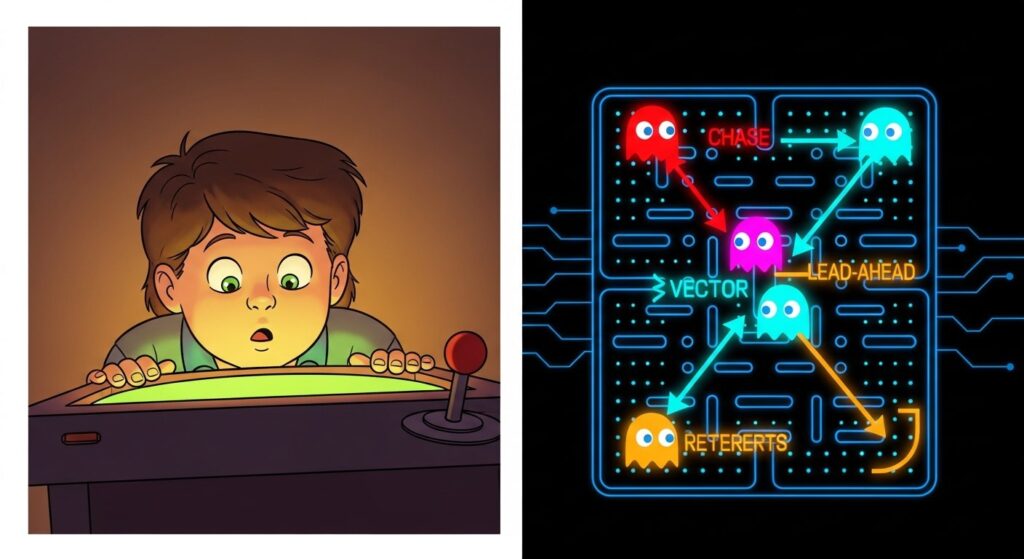
Here’s something that will change your understanding of one of the most influential games ever made: Doom is not 3D.
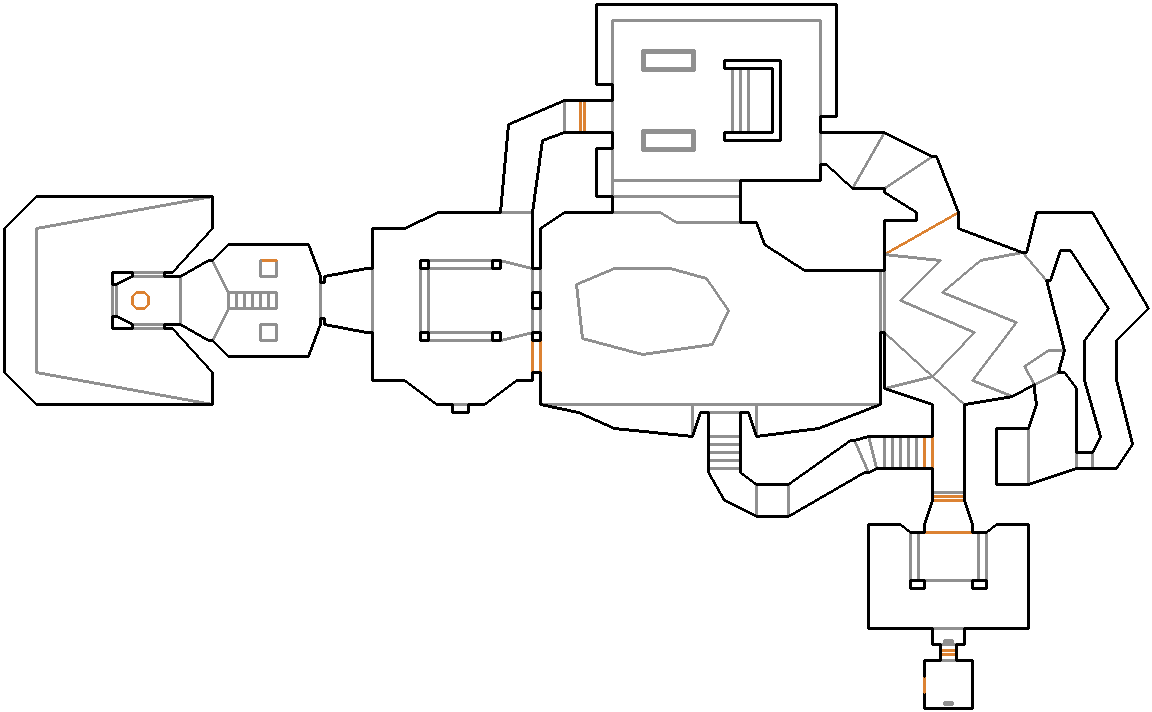
It looks 3D. It feels 3D. In 1993, it was so convincingly spatial that players got what researchers called “simulator sickness” (a nausea triggered by visual movement with no corresponding movement in your body). But under the hood, Doom’s world is completely flat. Every level is just a 2D floor plan, like an architect’s blueprint. The walls, the ceilings, the vertiginous towers and hellish pits — all of it is a very clever illusion drawn on a map where the positioning system is strictly two-dimensional. Doom is famously considered “2.5D” — every coordinate is just an (X, Y) point on a flat grid, meaning the engine can’t natively stack objects on top of one another.
This illusion allowed Doom to run on a 486 processor running at 33MHz. No graphics card. No hardware acceleration. Just raw CPU, doing math fast enough to fool your eyes into believing you were somewhere else.
How? That’s what we’re here to figure out.
The Blueprint World
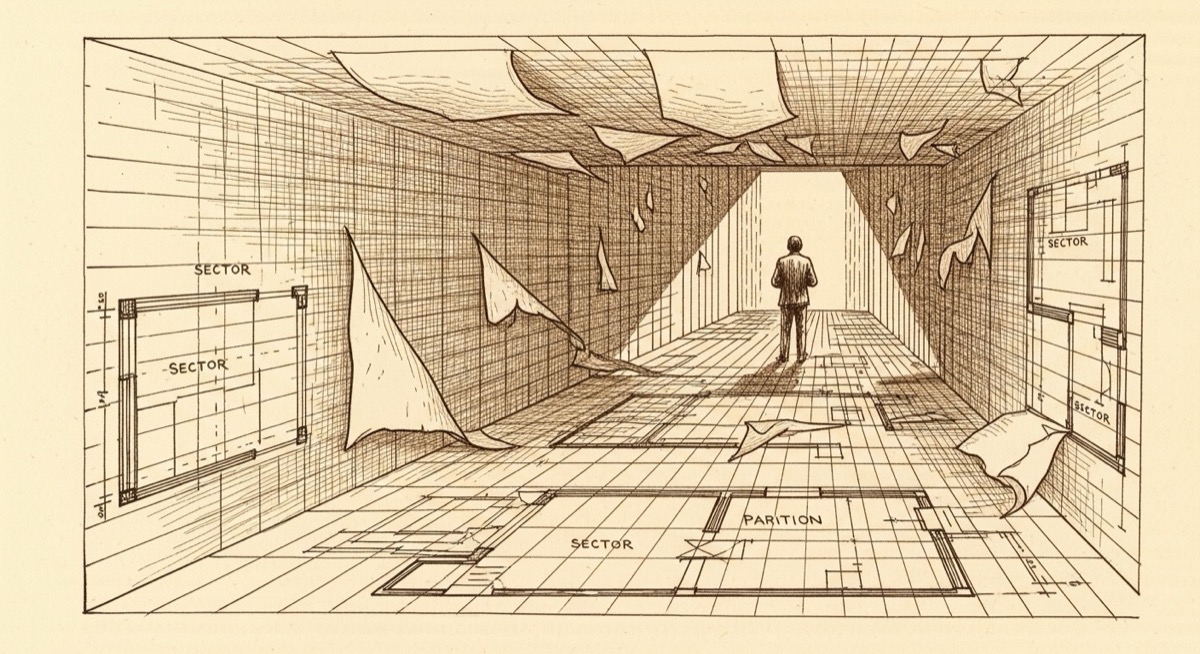
Doom’s levels are built from sectors: flat polygonal regions defined on a 2D grid. Each sector has a floor height and a ceiling height — two numbers that describe how tall the space feels. Walls are edges between sectors, and each wall can carry a texture.
That’s it. The entire geometry of a Doom level reduces to a flat map with labeled regions.
The trick is in how that map gets drawn. Instead of tracking a true three-dimensional scene, Doom’s engine looks at your position on the 2D map and asks: “What walls can I see from here, and how far away are they?” Then it draws each visible wall as a vertical stripe on the screen, scaled by distance. A wall that’s far away gets a thin, short stripe. A wall that’s close gets a tall, wide one.
Your brain fills in the rest. The floor and ceiling get drawn with a gradient or texture that sells the depth. The result is a seamless illusion — and critically, one that could run on hardware that had no business running it.
This technique is called sector-based rendering, and it came with one important limitation: you can never have two independent, walkable floors stacked vertically on top of each other. Visual tricks can fake the appearance of overlapping spaces, but two players can’t stand at the same (X, Y) coordinate at different heights — the engine has nowhere to put them.
Because the engine assumes the camera is always perfectly level, it also lacked the ability to look up or down. Tilting the camera would break the column-based projection math and cause severe perspective distortion. Every tower, every elevator shaft, every pit has to be cleverly faked — but the engine can stretch sectors to arbitrary heights, so a room can still feel cavernous or claustrophobic.
The Tree That Solved Visibility
Knowing what’s in the level is only half the problem. The engine also needs to know what you can see — and in what order to draw it. In a true 3D engine, this is the expensive part: tracking every surface, checking which ones are blocked, sorting them by depth, drawing them in the right order, at least 30 times per second. In 1993, no consumer hardware could do that for a complex scene. If it draws a far wall on top of a near wall, the whole illusion collapses.
Carmack’s solution was a data structure called a BSP tree — Binary Space Partitioning. It sounds technical (because it is), but the idea is elegant.
Imagine you’re trying to figure out what’s visible in a room full of overlapping cardboard cutouts. One approach: check every cutout, see if it’s blocked, draw the ones that aren’t. But that gets expensive fast as the room fills up.
A BSP tree takes a different approach, and it does most of the work before the game even starts.
When a Doom level is compiled (converted from the designer’s blueprint into something the game can load), a separate program called a node builder walks through all the walls in the level and constructs a binary tree. Each node in the tree splits the level into two halves along a line. Each half gets split again. And again, recursively, until every wall in the level belongs to a specific leaf of the tree.
The result is a pre-computed map of spatial relationships. When you’re standing somewhere in the level, the engine walks the BSP tree from root to leaves, and the tree tells it — in perfectly correct order, front-to-back — which walls to draw. No runtime visibility checks. No sorting. The hard work was done at compile time, and during the game it’s just a fast tree traversal.
This was one of Carmack’s key contributions to real-time rendering. BSP trees had existed in computer graphics research since 1980, when Henry Fuchs, Zvi Kedem, and Bruce Naylor published “On Visible Surface Generation by A Priori Tree Structures” — but nobody had used them this way in a game engine before. By pre-computing the spatial structure, Doom could determine draw order in a fraction of the time it would take any brute-force approach.
Drawing One Column at a Time
Once the engine knows which walls to draw and in what order, it renders them column by column.
Your screen is made of vertical strips of pixels. Doom draws each strip independently. For any given column, the engine calculates how far the corresponding wall segment is, then stretches the wall’s texture to fill the appropriate portion of that column. Close walls get tall, stretched-out texture slices. Distant walls get narrow slivers.
This is fast for two reasons. First, each column is calculated independently, so the engine can skip columns it doesn’t need. Second, the math for each column is simple division and multiplication — exactly the kind of operation a 486 could chew through quickly.
The floor and ceiling, which had to be drawn as flat surfaces receding into the distance, were considerably harder. While walls were drawn vertically, floors and ceilings had to be rendered in horizontal rows. Doom used a technique called visplanes — tracking flat surfaces by their height, texture, and the vertical limits of their horizontal spans — to batch floor and ceiling drawing efficiently. The engine could handle a maximum of 128 simultaneous visplanes; exceed that, and the game crashed to DOS with the message “No more visplanes.” Mappers learned to avoid open designs that pushed against the limit.
Sprites: Cardboard Cutouts in Hell
Enemies, items, and decorations in Doom aren’t 3D models. They’re sprites — flat images that always face the player, like a cardboard cutout that rotates to stay front-on as you circle it.
Each enemy has multiple sprites drawn from different angles, so as you move around it, the sprite swaps to maintain the illusion of three-dimensionality. Doom’s imp has eight directional frames; the larger enemies have even more. From the front, the imp looks like a snarling monster. The rotating-cardboard-cutout nature becomes briefly visible if you get to a specific angle during a fight — but you’re usually too busy to notice.
The sprite system meant the art team could create detailed enemies without any 3D modeling tools. The sprites were painted by hand, then digitized — but many of the monsters started as physical sculptures. Artist Adrian Carmack built clay figures on posable wooden mannequins; the cyberdemon, baron of hell, and Doomguy all began this way. id Software later hired sculptor Gregor Punchatz to build additional creatures, including the arch-vile and the spiderdemon. Each model was photographed from eight angles with a video camera, then digitized. The engine’s job was just to scale and position each sprite correctly in the scene, using the same distance math as the wall columns.
WAD Files: The Engine and the Content Split
One of Doom’s less-celebrated engineering decisions had an enormous long-term impact: the game separated its engine from its data.
Everything that isn’t the engine itself — maps, textures, sounds, sprites, music — lives in a file called a WAD (Where’s All the Data). The engine loads whatever WAD it’s given. Swap in a different WAD, and you have a completely different game running on the same engine.
This wasn’t just a clean architecture choice. It was commercially savvy. id Software released Doom as shareware — the first episode was free, distributed via bulletin board systems and early internet services. If you liked it, you bought the WAD for the remaining two episodes. The engine was the same download.
But the WAD format also accidentally created one of the earliest and most prolific modding communities in gaming history. Within months of Doom’s release, players were building their own levels, then their own weapons, then total conversions that replaced every WAD asset with new content. Tools appeared to make it easier. Online communities formed to share creations. id Software didn’t just ship a game — they shipped a platform. If you want to poke around a WAD file yourself without buying the original game, Freedoom is a fully free, open-source replacement that runs on any modern Doom engine.
Why a 486, Specifically
All of these tricks combined to produce something that could run at a playable framerate on 1993 consumer hardware — but “playable” is relative.
Doom’s minimum stated requirement was a 386 processor with 4MB of RAM. In practice, a 386 produced a slideshow. A 486DX at 33MHz got you something in the neighborhood of smooth. The faster 486 variants and the Pentium chips that arrived in 1993 and 1994 made it genuinely fast.
The key was that every expensive operation had been eliminated or precomputed. The BSP tree meant no runtime visibility sorting. The column-based rendering meant simple per-column math. The flat world meant no z-buffer (the data structure true 3D engines needed to track depth). The sprites meant no polygon rendering at all.
Carmack had analyzed every bottleneck and found a way around each one — not by brute-forcing the problem, but by reconceiving what kind of problem needed solving in the first place. The 486 didn’t run Doom because it was powerful enough for 3D graphics. It ran Doom because Doom had been redesigned to not need 3D graphics.
What Came After
The engine Doom ran on wasn’t just clever for its time. It established a template.
id Software’s next game, Quake (1996), took the jump to genuine 3D — full polygonal geometry, true vertical movement, arbitrary camera angles. But it used BSP trees for exactly the same reason Doom did: pre-computed spatial structure made real-time visibility tractable. The BSP tree remained a foundational technique in real-time 3D rendering well into the 2000s.
More immediately, id Software licensed the Doom engine to other developers. Heretic, Hexen, Strife, and dozens of other games ran on variations of the same codebase. In 1997, Carmack released the Doom source code entirely, and a generation of programmers took it apart to understand how it worked. For many of them, it was their first real look at how a game engine was built.
The game that shipped on December 10, 1993, didn’t just define a genre. It carried inside it a set of engineering ideas about how to think around hardware limitations — ideas that are still worth understanding today.
What to Look Up Next
If you want to go deeper, the Doom source code is available on GitHub under a limited license. Reading r_bsp.c — the BSP traversal code — is genuinely illuminating. It’s tight C from 1993, and you can see exactly how the tree walk produces a draw list.
For a more guided tour, Fabien Sanglard’s Game Engine Black Book: DOOM (2022) is the definitive technical history. Sanglard spent years reverse-engineering the engine and interviewing Carmack. The result is one of the best books ever written about software engineering under constraint.
The constraint, as always, was the point.
Interested in other constraints that drove innovation, check out these other posts:
- The $25 Chip That Powered a Revolution
- Why the Game Boy Was Technically Outdated the Day It Launched